
Quick answer
Killer Vibe plays through the selected output device. For viewers to hear those reactions, OBS must capture that same device or route. Match the device, preview a clip, watch the OBS audio meter, record a short test, and listen to the saved file before going live.
Before you start
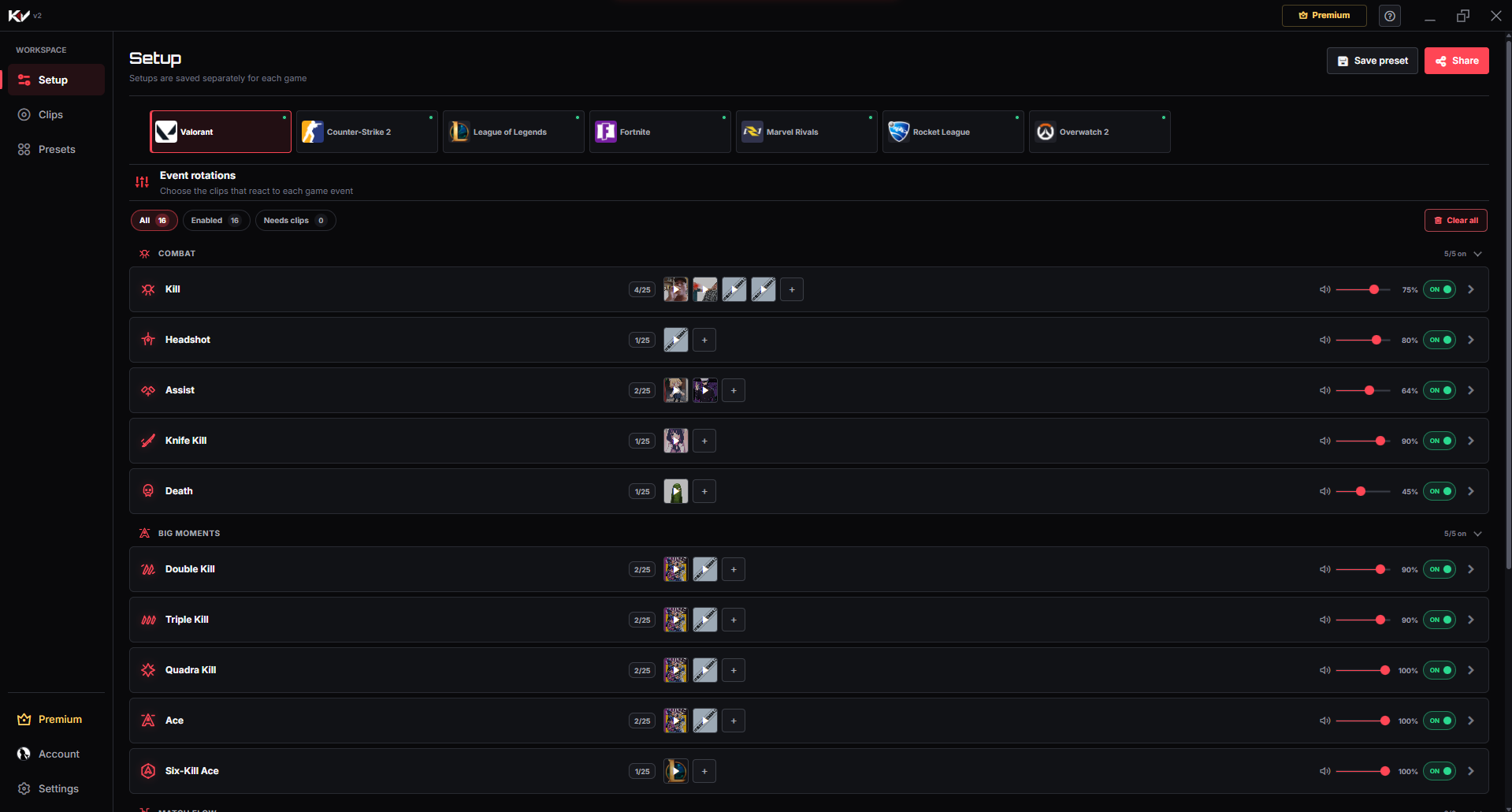
- Complete the basic Killer Vibe setup and confirm one clip previews correctly.
- Open OBS Studio and identify the scene you use for game capture.
- Decide whether Killer Vibe should share your normal desktop/headphone output or use a dedicated output route.
- Lower the event volume before the first test to protect listeners from a loud clip.
- Close unrelated audio apps if they make the OBS meters difficult to interpret.
Route Killer Vibe audio into OBS
- Select the Killer Vibe output. In Killer Vibe, choose the headphones, speakers, interface, or virtual device that should receive reaction clips.
- Preview one assigned clip. Confirm you hear it through that device before changing OBS.
- Capture the same route in OBS. Use Desktop Audio when it already captures that device, or add an Audio Output Capture source and choose the matching output device.
- Prevent duplicates. If the same device is already present through Desktop Audio, do not add a second source that captures it again. Duplicate capture can create echo or increased volume.
- Preview the clip again. Watch the matching OBS audio meter while the Killer Vibe clip plays.
- Balance the mix. Compare the reaction with game audio and your microphone. Adjust the event volume in Killer Vibe and the source level in OBS conservatively.
- Make a test recording. Trigger or preview several clips, speak into the microphone, and include normal game audio for comparison.
- Listen outside OBS. Play the saved recording from beginning to end. Meter movement alone does not prove the track was included correctly.
How to verify it works
Do not go live until all five checks pass:
- The clip previews through the selected output device.
- The intended OBS audio meter moves when the clip plays.
- No second meter shows an unwanted duplicate of the same signal.
- The clip is audible and balanced in a saved test recording.
- A supported in-game event produces the same captured result.
Optional: use a separate audio track
Separate recording tracks can let an editor reduce or remove reaction audio later. In OBS, open Advanced Audio Properties, assign sources to the required tracks, then enable those recording tracks under Settings → Output. OBS recommends keeping a complete mix on track 1 when ordinary video players need to play every source.
Follow the official OBS Multiple Audio Track Recording Guide. If you attempt per-application capture, also read the official OBS Application Audio Capture Guide; OBS notes that some applications can be incompatible with that source.
Troubleshooting
You hear the clip but the meter does not move: OBS is capturing a different device or source. Recheck the exact output selected in Killer Vibe and OBS.
Two meters move or the clip echoes: the same output is probably captured twice. Disable one duplicate route and test again.
The meter moves but the recording is silent: confirm the source is assigned to an enabled recording track and is not muted in Advanced Audio Properties.
Only some events are captured: test the affected clip inside Killer Vibe. If preview works, verify its event remains enabled and assigned.
The reaction overwhelms your voice: lower the event volume, then record another sample with speaking and game audio.
Limits to know
- Killer Vibe does not configure OBS for you. Output selection and stream capture are separate settings.
- Voice-chat teammates do not hear clips automatically because Killer Vibe does not inject them into your microphone or voice chat.
- Virtual cables and custom loopback tools can change routing behavior; document and test any extra software you add.
- Per-application capture can be incompatible with some applications, according to OBS. Device capture is often easier to verify.
- Copyright and platform rules still apply to every clip included in a stream or recording.
Need your own reaction audio first? Use the local MP3/OGG import guide. Game-specific event lists are available on the supported games hub.
Get Killer Vibe on Overwolf