
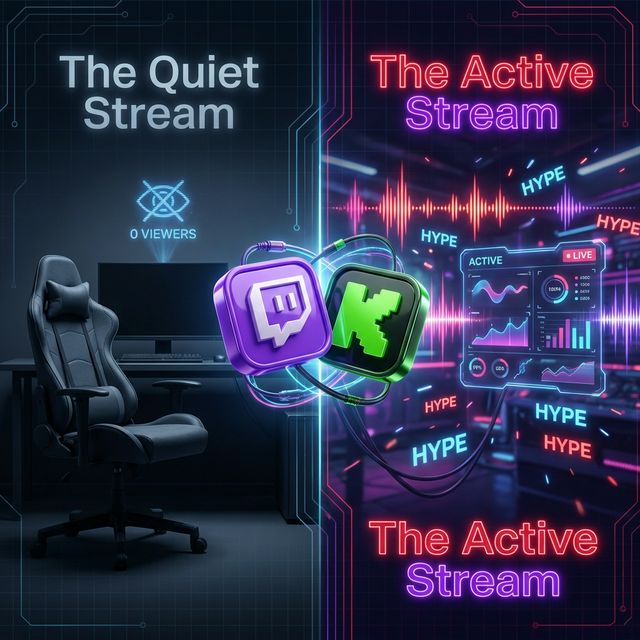
You're in a 1v3 loop. You're focusing hard. You stop talking for 30 seconds to listen for footsteps. A new viewer joins the stream, hears nothing but mouse clicks, and leaves immediately.
Long periods without commentary or useful audio can make it harder for a new viewer to understand what is happening. You do not need to speak constantly, but you can plan audio cues for the moments when you are focused on the game.
Why Dead Air Can Hurt a Stream
In real life, silence is awkward. On a livestream, it's fatal.
- First impressions: A new viewer needs quick context. Explain the goal of the match or react to what just happened when you can.
- Passive viewers: Some viewers listen while doing something else, so clear commentary and useful audio cues help them follow the action.
- Intentional pacing: Silence is not always bad. Use it deliberately, then make important moments easy to recognize.
Method 1: The "Background Music" Trap
One option is background music that you have permission to stream. This can fill quiet space, but it serves a different purpose from event-driven reactions.
The "Sonic Wallpaper" Problem
Background music can create a consistent atmosphere, but it does not identify what happened in the game. A distinct event sound can make a supported moment easier to notice.
Plus, finding good music that doesn't get your VODs muted is a headache.
The Fix: Interactive Audio (Event-Driven)
The revolution in 2026 is Event-Driven Audio. Instead of a constant drone of music, the audio reacts to what you do.
This creates Pavlovian Conditioning:
- Trigger: You get a Double Kill.
- Response: Killer Vibe plays a "Double Kill!" announcer sound.
- Result: The viewer hears a distinct cue tied to that moment.
Killer Vibe can search available clips through Voicy.network, and you can assign different clips to supported game events.
A recognizable cue can help someone listening in the background notice that an important gameplay moment happened. It does not guarantee that a viewer will stay or interact.
3 Automation Strategies to Fill the Gap
1. The "Focus" Gap
Problem: You go silent when clutching/aiming high-focus angles.
Fix: Assign distinct sounds to supported moments such as Headshot and Death. The audio can help a stream audience follow the action when your capture setup includes the selected output device.
See our Valorant Soundboard Guide →
2. The "Death" Gap
Problem: Dying breaks the flow. You might sigh or stay silent in frustration.
Fix: Turn failure into comedy. Auto-trigger a "Sad Violin" or "Curb Your Enthusiasm" theme on death. Chat laughs ("LUL") instead of leaving.
Browse sounds on Voicy →
3. The "Victory" Gap
Problem: The match ends. Energy dips before the next queue.
Fix: Auto-trigger "Victory Fanfare" (like Final Fantasy). It keeps the vibes high and signals a successful run.
Case Study: The Top Streamer Mix
Watch streamers like Jynxzi or Kyedae. They are never truly silent. If they aren't talking, a sound effect-either from the game, a sub alert, or a soundboard-is filling the space.
You don't need a producer to achieve this. You just need Smart Automation.
Don't Let Dead Air Kill Your Channel
Add event-driven reactions to the moments you choose, then test the balance in a private recording before going live.
DOWNLOAD KILLER VIBE FREE