
Combat
Kill
When you eliminate an enemy.
Assist
When you assist in eliminating an enemy.
Death
When your player is eliminated during a supported CS2 match.
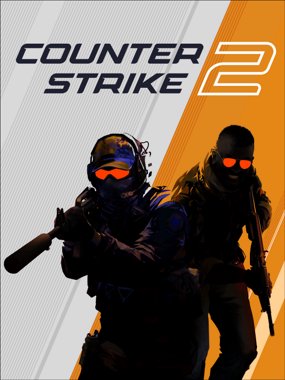
Counter-Strike 2 Event Audio
Killer Vibe lets CS2 players map sounds to supported Counter-Strike 2 events exposed through Overwolf. Use it for kill reactions, round-flow cues, match-start moments, or quieter personal feedback without reaching for a hotkey.
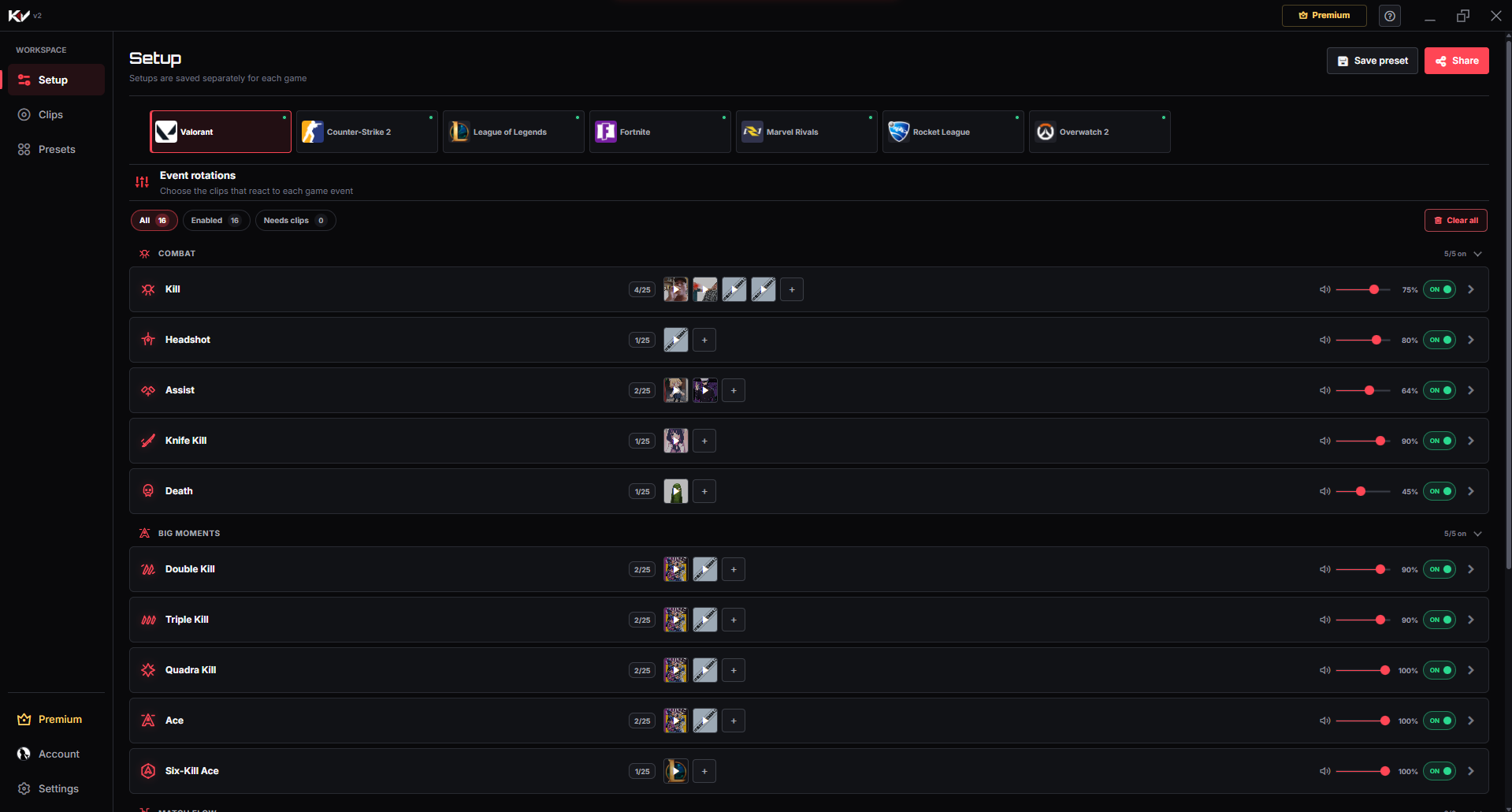
Product proof
Use event-based CS2 reactions for key combat and round-flow moments without reaching for a manual hotkey mid-match.
01Game event
A supported moment happens while you play.
02Killer Vibe
The assigned reaction is selected automatically.
03Selected output
Your clip plays through the output device you chose.
Event catalog
These are the event labels currently used by Killer Vibe for Counter-Strike 2. Assign sounds only to the moments you want, and leave the rest disabled or unassigned.
When you eliminate an enemy.
When you assist in eliminating an enemy.
When your player is eliminated during a supported CS2 match.
When a new Counter-Strike 2 round begins.
When a Counter-Strike 2 round reaches its end state.
When the Counter-Strike 2 match begins.
When the Counter-Strike 2 match reaches its end state.
Make each moment recognizable
Start with a few short reactions, test their volume against game audio, and expand only when every sound still has a clear purpose.
Pair kills, assists, and deaths with separate concise cues so personal combat outcomes stay recognizable during a busy round.
Use restrained start and end sounds as pacing markers between rounds without implying an unsupported round result.
Choose an opening cue and a separate closing sting to give the full CS2 session a clear beginning and ending.
Get started
The setup path is intentionally simple: install through Overwolf, pick the game, map clips, then let supported game events trigger playback.
Install Killer Vibe through Overwolf and open the Setup screen.
Select Counter-Strike 2 and choose the event cards you want to enable.
Assign one or more clips to kill, assist, death, round, or match events.
Launch CS2 and use a compatible display mode if an overlay is needed.
Audio routing
Killer Vibe plays clips through the output device you select. Teammates do not hear those clips automatically through team voice, and a stream hears them only when your streaming setup captures that output.
FAQ
Yes. Assign a clip to the CS2 Kill event and Killer Vibe can play it when that supported event is received.
Use the in-app setup flow first. If overlay display is important, Fullscreen Windowed is generally safer than exclusive fullscreen.
No. Killer Vibe runs as an Overwolf app and uses supported game-event integrations rather than editing game files.
Start with supported events, assign clips, and keep the timing out of your hands while you play.
DOWNLOAD ON OVERWOLF