
Combat
Kill
When a champion kill is detected for the player.
Assist
When a kill assist is detected.
Death
When the League player death event is received.

League Event Audio
Killer Vibe connects League of Legends events to reaction clips so your soundboard can respond to supported moments like kills, assists, multi-kills, ultimate use, respawn, and match results. You choose the clips and the output device; the app handles the event-triggered playback.
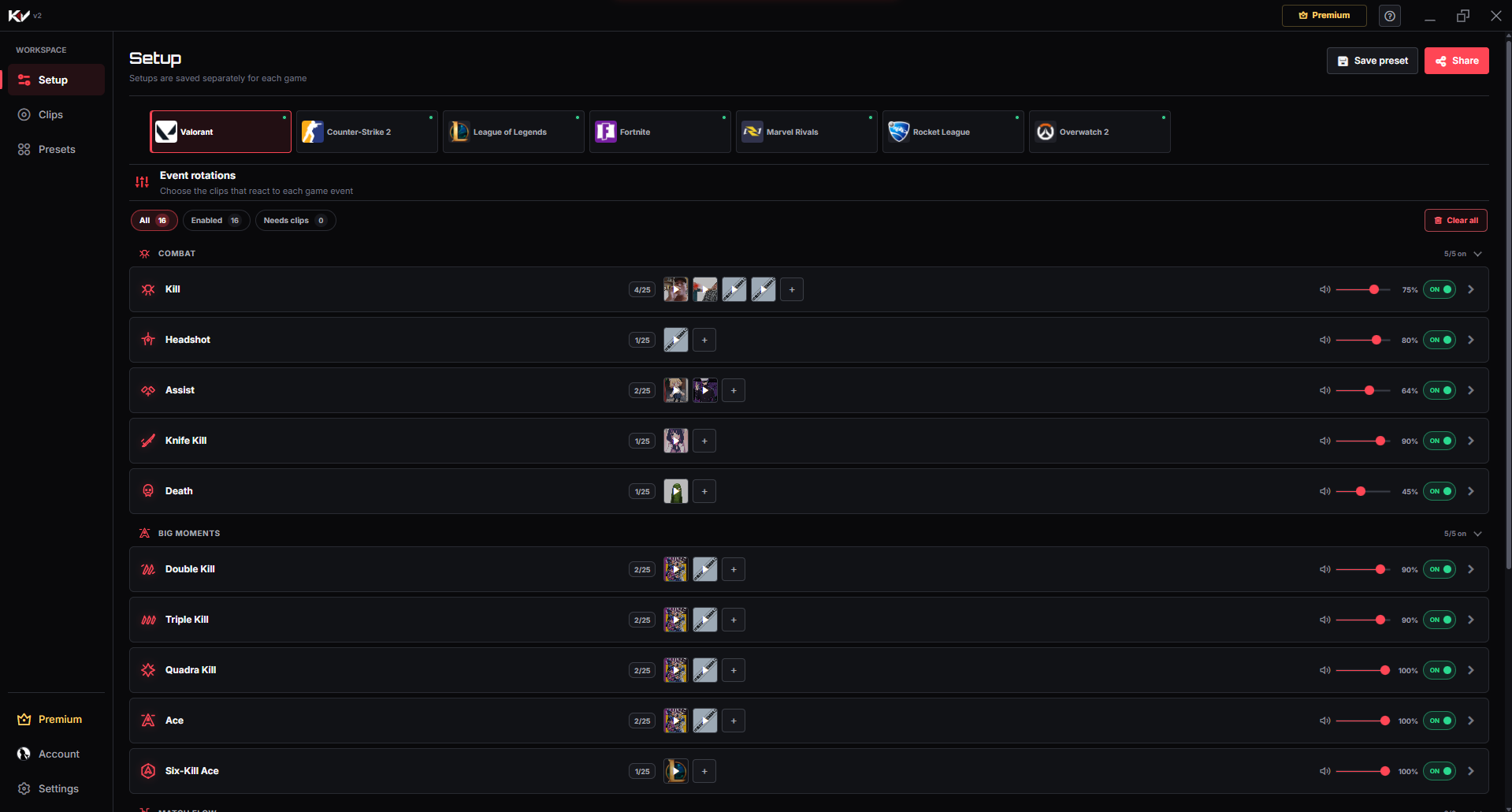
Product proof
Map League clips to supported combat, ability, respawn, and match-result moments so your reactions stay automatic during play.
01Game event
A supported moment happens while you play.
02Killer Vibe
The assigned reaction is selected automatically.
03Selected output
Your clip plays through the output device you chose.
Event catalog
These are the event labels currently used by Killer Vibe for League of Legends. Assign sounds only to the moments you want, and leave the rest disabled or unassigned.
When a champion kill is detected for the player.
When a kill assist is detected.
When the League player death event is received.
When a double kill announcer event is mapped.
When a triple kill announcer event is mapped.
When a quadra kill announcer event is mapped.
When a penta kill announcer event is mapped.
When the player uses their ultimate ability.
When the League player respawn event is received.
When the League match start event is received.
When the match result is victory.
When the match result is defeat.
Make each moment recognizable
Start with a few short reactions, test their volume against game audio, and expand only when every sound still has a clear purpose.
Build a distinct sequence from double through penta kill so the reaction grows with the rarity of the moment.
Assign a compact power-up sound to ultimate use while preserving enough space to hear champion and team audio.
Use a light respawn reset plus contrasting victory and defeat stings to mark recovery and the final outcome.
Get started
The setup path is intentionally simple: install through Overwolf, pick the game, map clips, then let supported game events trigger playback.
Install Killer Vibe from Overwolf and open the desktop app.
Select League of Legends in Setup and review the combat, multi-kill, ability, and result events.
Assign clips to the League events you want to hear during play.
Start League and let Killer Vibe listen for the supported match and announcer events.
Audio routing
Killer Vibe plays clips through the output device you select. Teammates do not hear those clips automatically through team voice, and a stream hears them only when your streaming setup captures that output.
FAQ
Yes, the current League module includes a Penta Kill event that can be assigned a clip when supported event data is received.
Yes. Killer Vibe lets you assign clips per event, so Kill and Ultimate Used can have different sounds.
No. Discord login is for account sync. Killer Vibe plays clips through the output device you select.
Start with supported events, assign clips, and keep the timing out of your hands while you play.
DOWNLOAD ON OVERWOLF